Register & Log in
Register
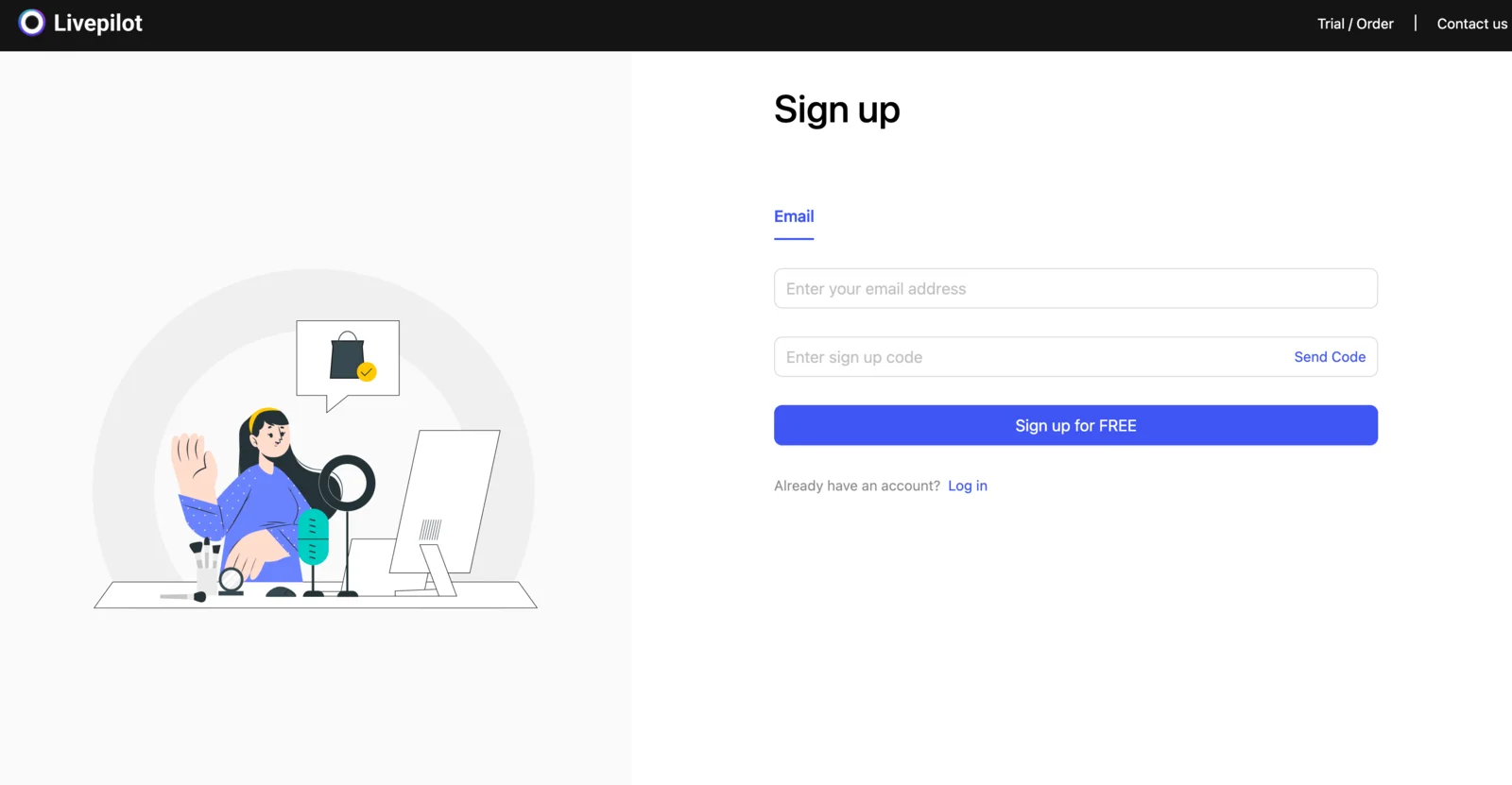
Registration address: https://live.cocodesk.net/web/signup
- Enter any email address that can receive emails normally.
- Obtain the verification code and enter it.
- Click the registration button — registration succeeds and you are automatically taken to the dashboard.
Log in
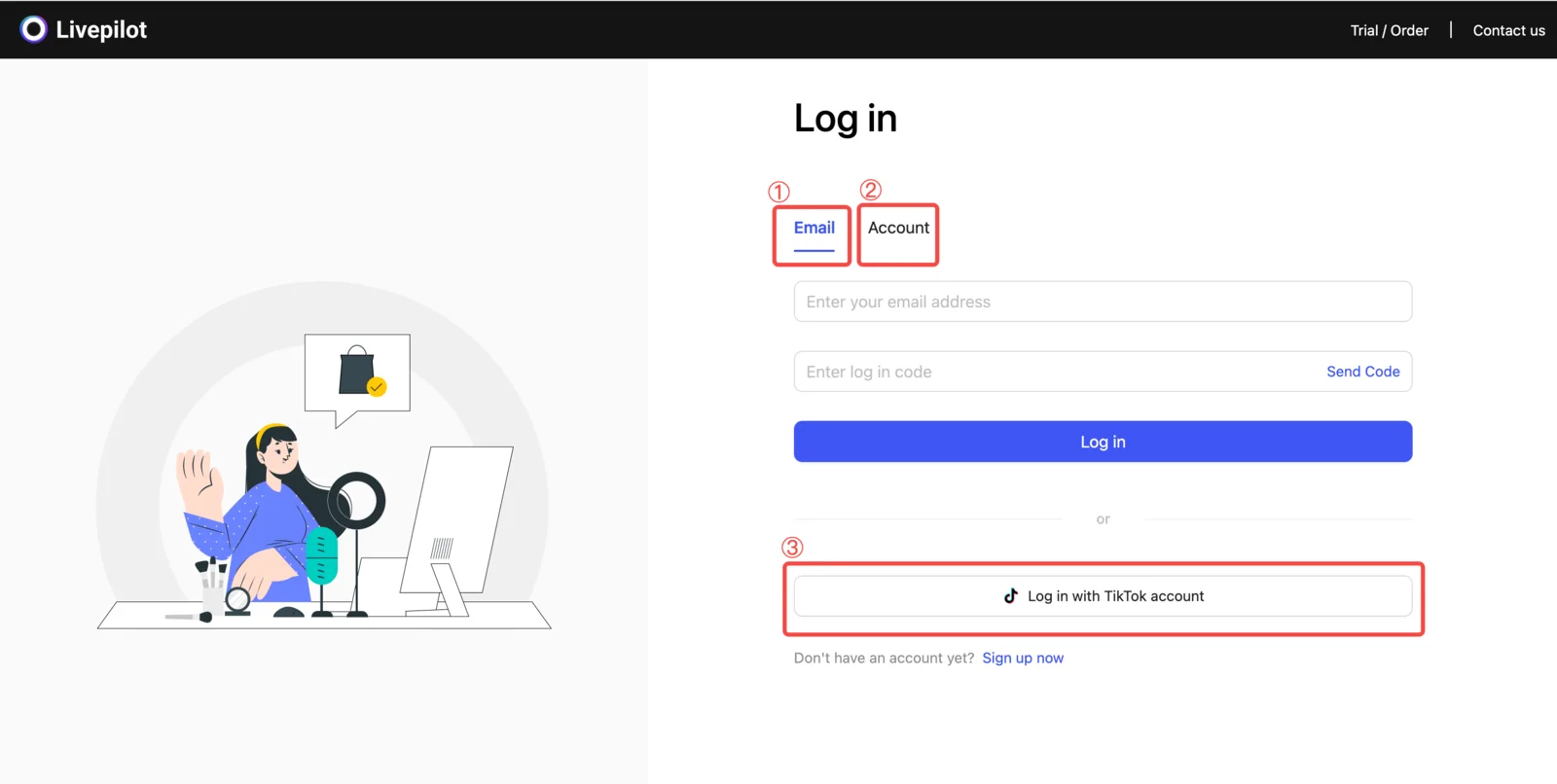
Log in from the Cocodesk desktop app (not installed yet? See Download & Install), or on the web dashboard: https://live.cocodesk.net/web/login
There are three login methods:
- Login with email verification code
- Login with account and password: set them up first — log in to the web dashboard with an email code, click your username in the top right → "Settings", fill in a username and password, enter the email code, then click "Update account".
- Login with the TikTok service marketplace (US / EU): if you subscribed through the TikTok service marketplace, authorize with the matching region.